

What ShedOS does
The system is built so you can change it freely and recover from anything. Here is what that means in practice.
Updates and recovery
Updating snapshots the system with Btrfs first, so a bad upgrade is one shedman rollback away rather than a reinstall. shedman upgrade-history shows what each past upgrade changed, and a machine that fails to reach the desktop three times running boots its last working snapshot on its own.
Configuration that survives updates
When an upgrade ships a new default for a file you've already edited, ShedOS keeps your version and writes the new one beside it as a .shedosnew. shedman config --review then opens a three-way merge — yours, theirs, and the common ancestor — in the terminal or in VS Code, so you keep what you want hunk by hunk.
A declarative system
/etc/shedos/system.toml describes services, the firewall, kernel parameters, users, and the theme. shedman apply makes the running machine match it; shedman doctor reports anything that has drifted, so you see what a change will do before you make it.
One command-line tool
Updates, rollback, upgrade history, config review, health, status, theming, databases, fingerprints, kernels, and logs are all shedman subcommands — about two dozen, each with a manual page. Run shedman help for the list, or man shedman-<command> for any one of them.
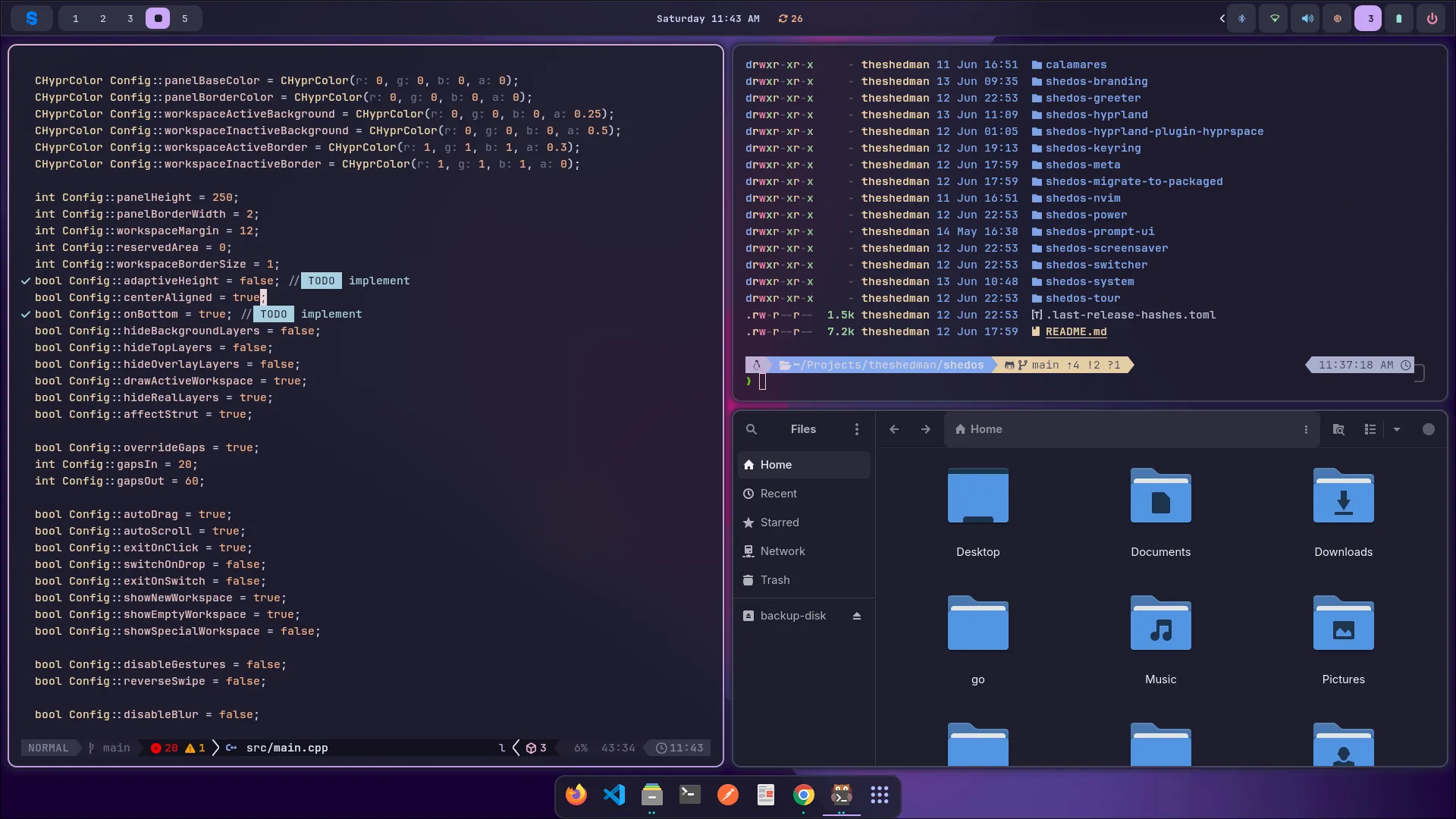
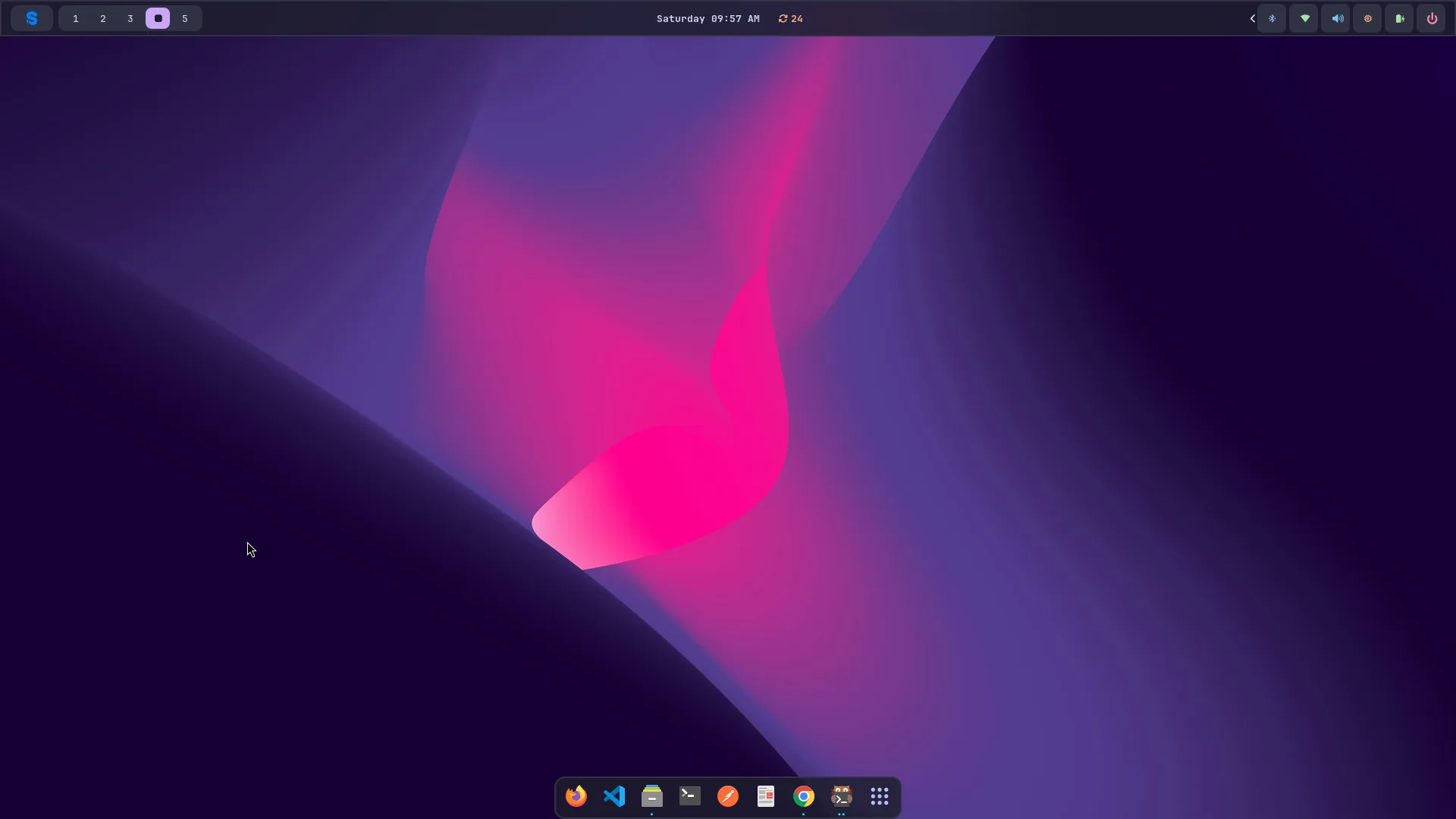
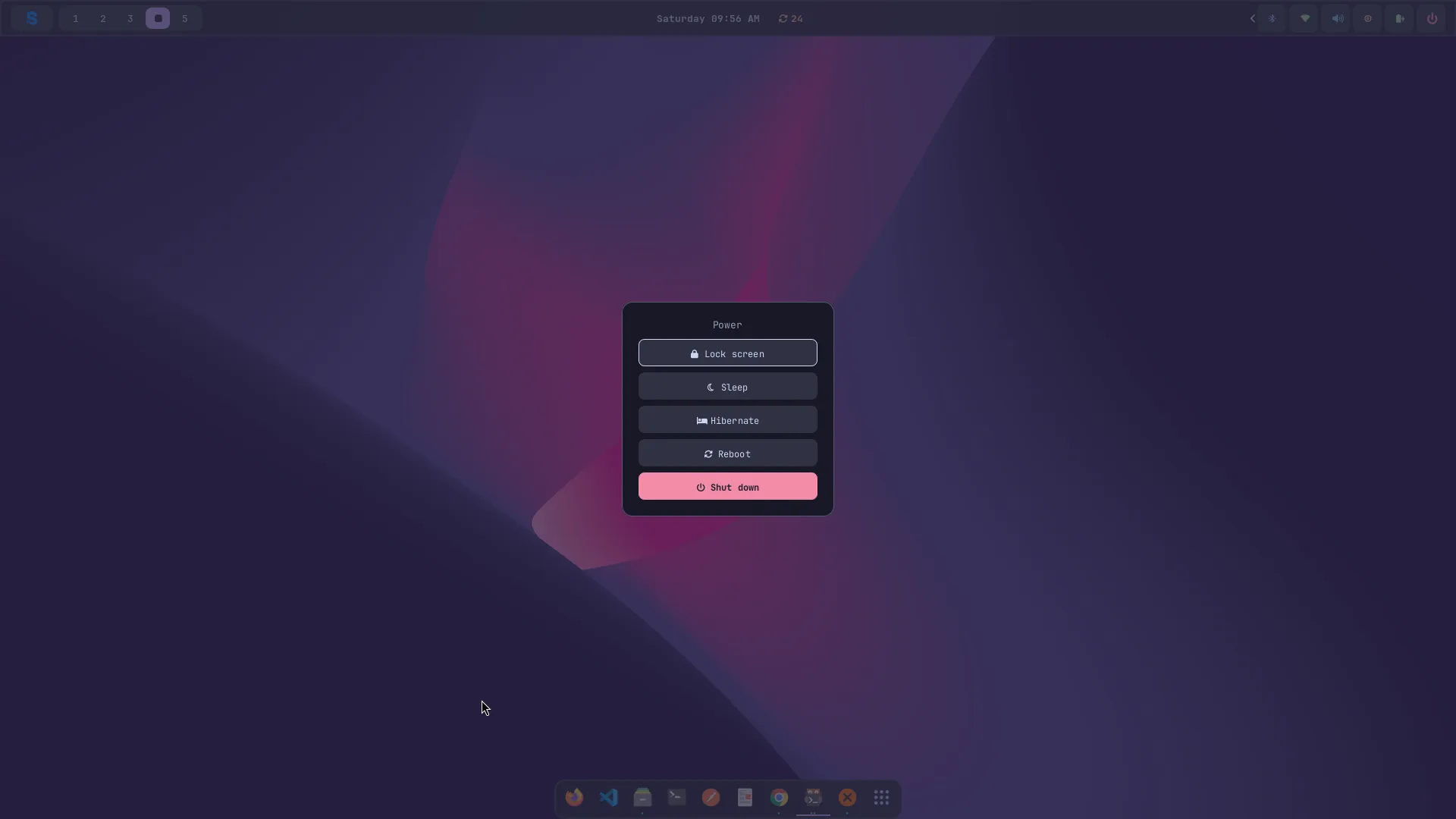
A tiling Hyprland session, set up.
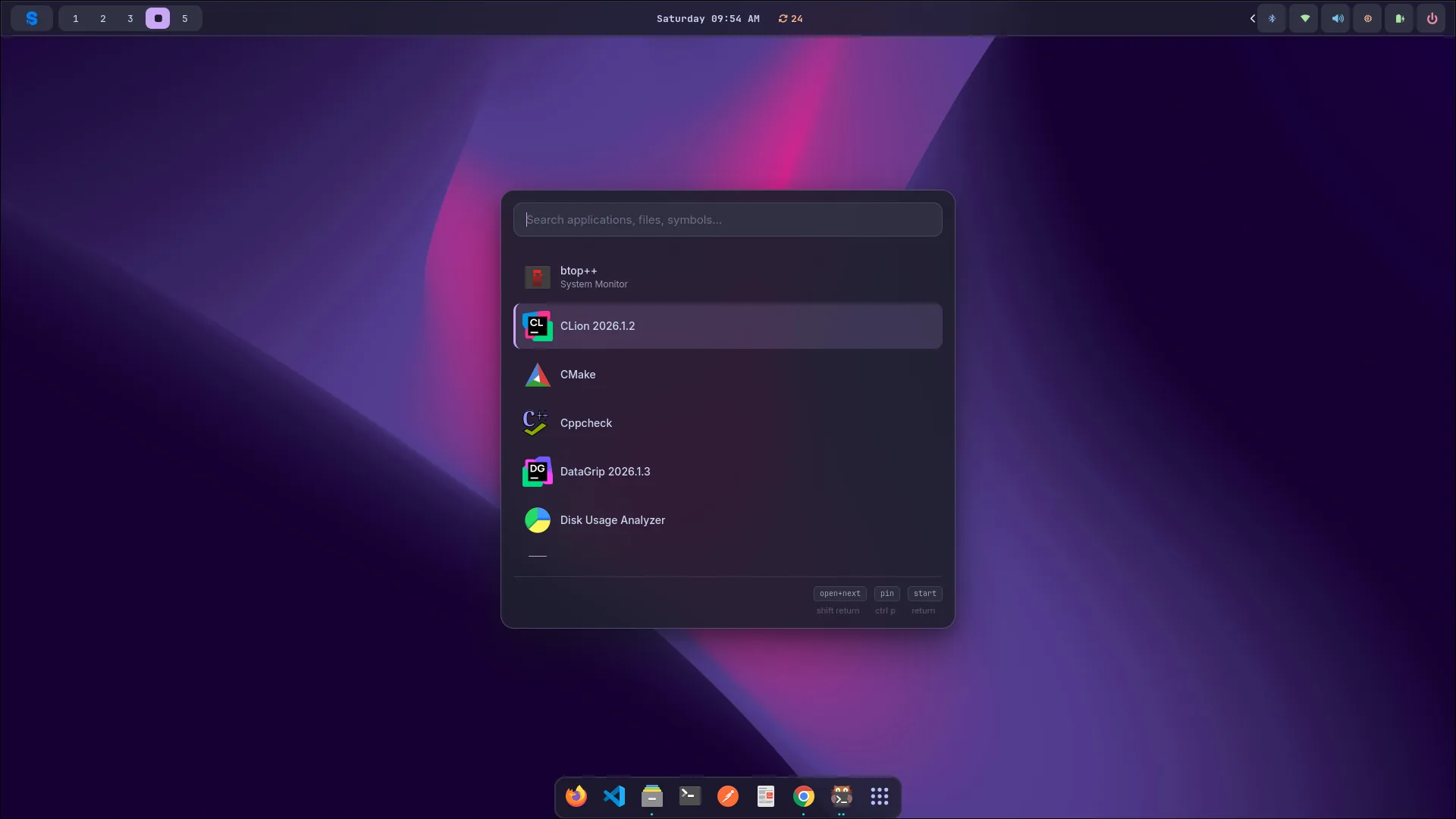
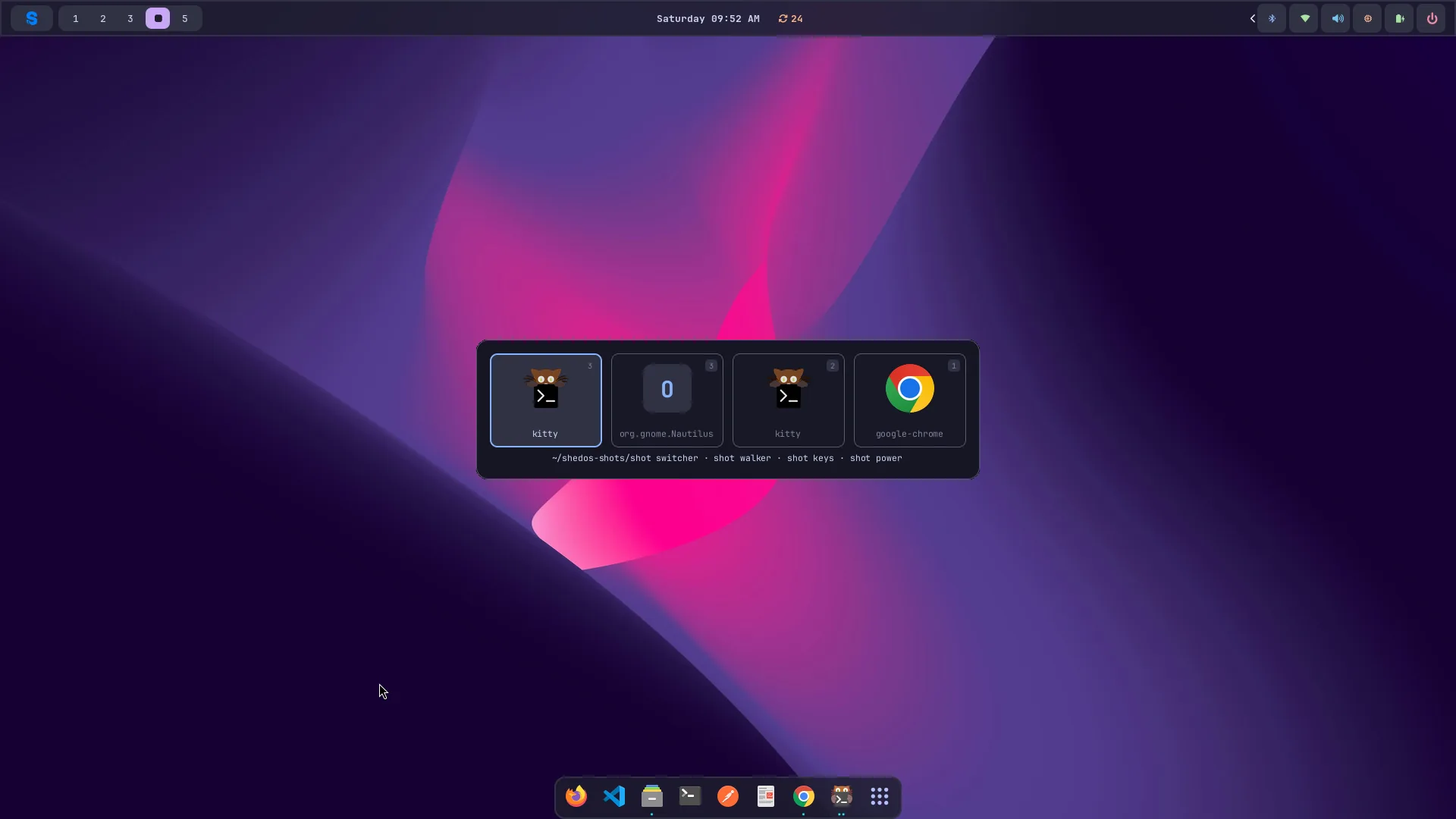
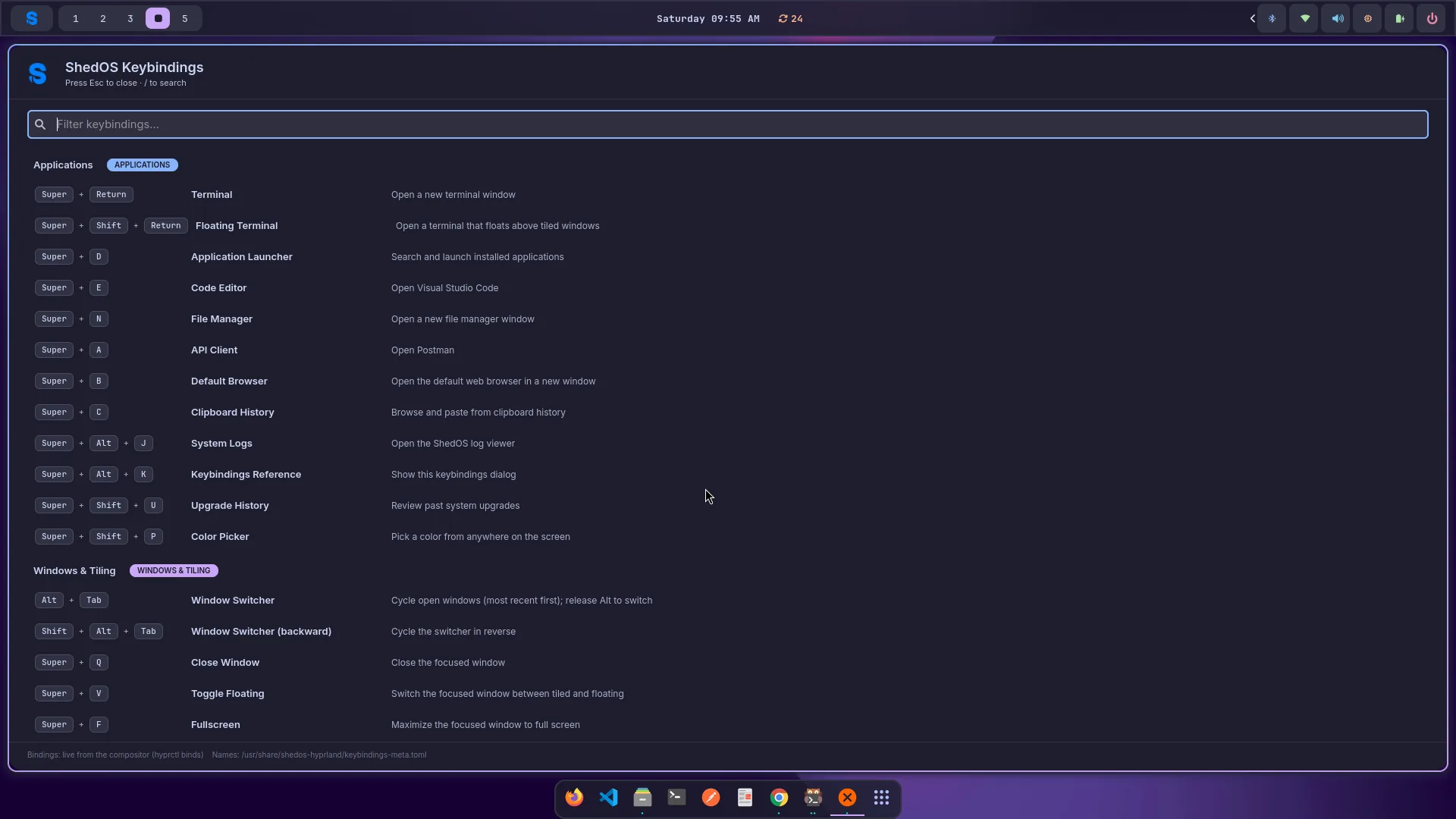
Gestures, a launcher, an ALT+Tab switcher, a keybinding reference a keystroke away, and theming that recolors everything at once.
System
- Release model
- Rolling (x86_64)
- Compositor
- Hyprland (Wayland)
- Shell
- Bash + Starship
- Filesystem
- BTRFS with snapshots
- Encryption
- LUKS2, on by default
- Secure Boot
- Your own keys (opt-in)
- Passwordless unlock
- TPM2 (opt-in)
Developer tools
- Editors
- Neovim (LazyVim), VS Code
- Runtimes
- Python, Node, Go, Rust, C++
- Containers
- Docker, kubectl, minikube, helm
- Terminal
- kitty
- Browser
- Firefox