

The operating system for software developers.
ShedOS comes with your editors, language runtimes, containers, and a tiling desktop already configured. The changes you make are preserved across updates, every upgrade can be rolled back, and a boot that fails recovers to the last working snapshot on its own.
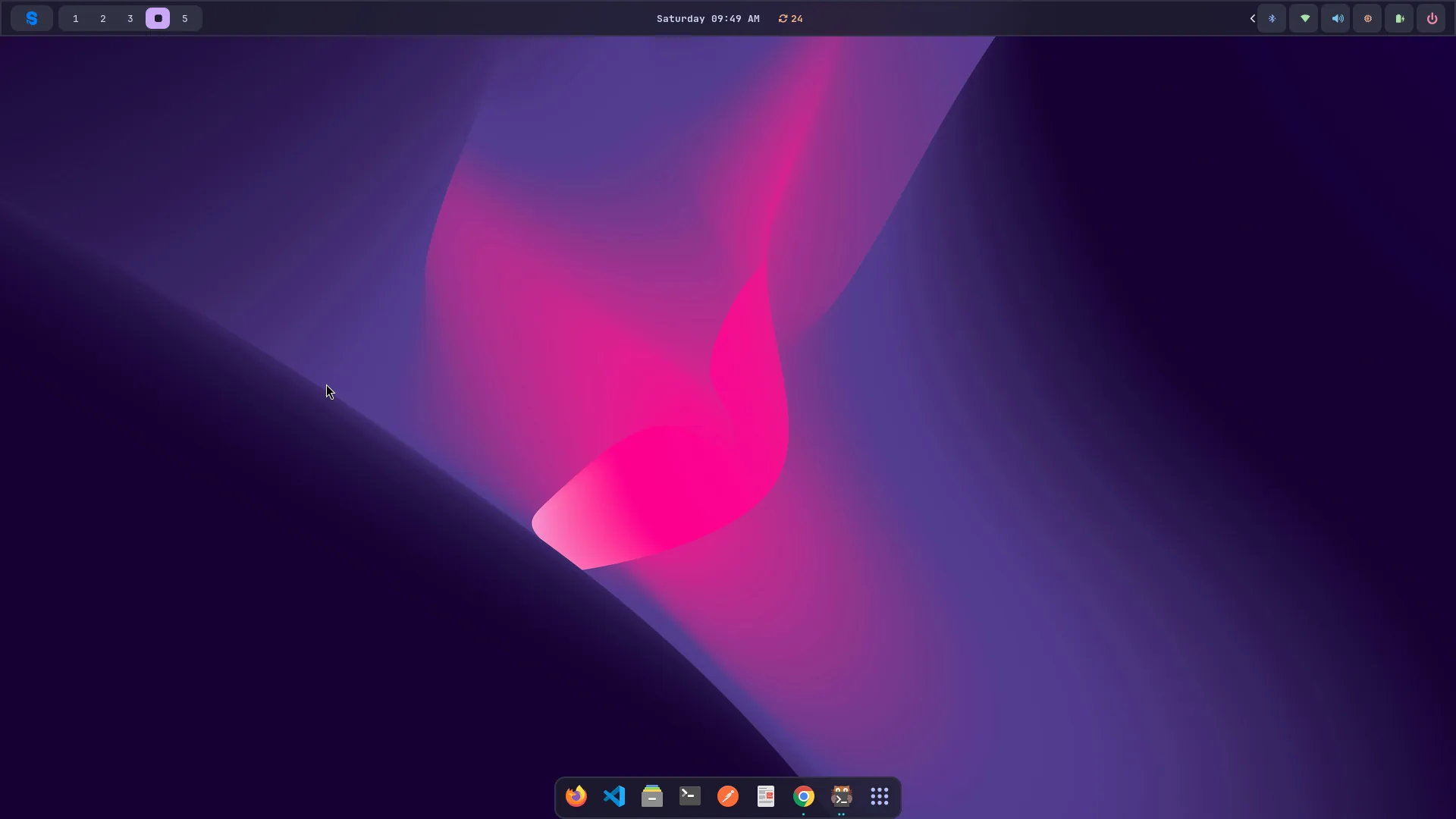
A tiling Hyprland desktop — themed, and ready on first boot.
Built for software development.
Configured and ready from the first boot — and engineered so you can change anything and recover from everything.
Non-destructive updates
When an update changes a config file you've edited, ShedOS keeps your version rather than overwriting it, and opens a three-way merge so you decide what stays.
Reversible upgrades
Every upgrade is a Btrfs snapshot, so an unwanted one is a single shedman rollback away. A system that fails to reach the desktop three times in a row boots the last working snapshot on its own.
Declarative configuration
Services, the firewall, kernel parameters, users, and the theme are described in /etc/shedos/system.toml. shedman apply brings the machine in line with it; shedman doctor reports anything that has drifted.
One command-line tool
Updates, rollbacks, theming, health checks, fingerprint enrollment, and per-project databases are all shedman subcommands, each with its own manual page.
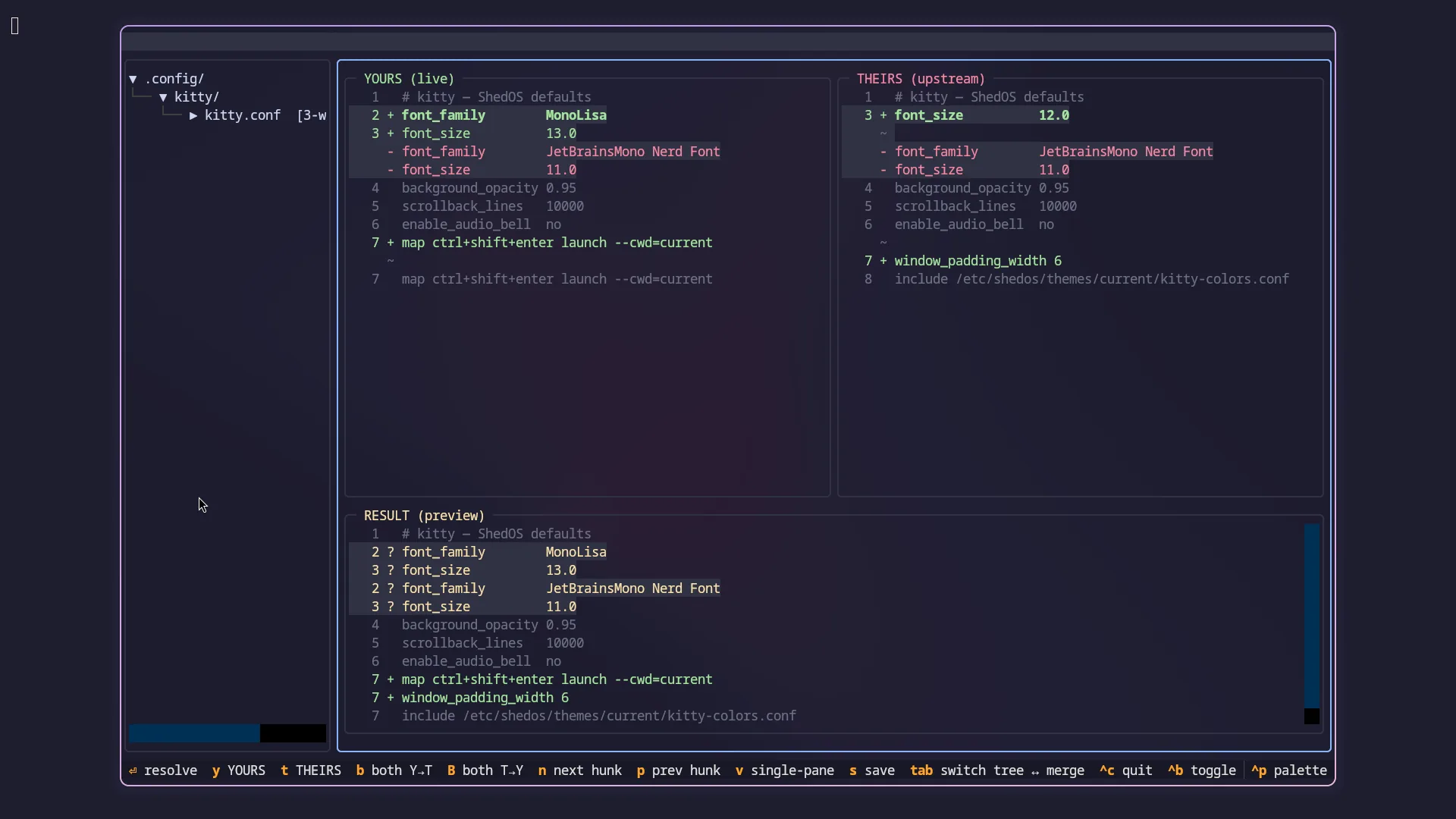
Three-way merge for config conflicts
When your edits and an upstream change touch the same file, ShedOS shows both and lets you merge them hunk by hunk, instead of choosing one version wholesale.
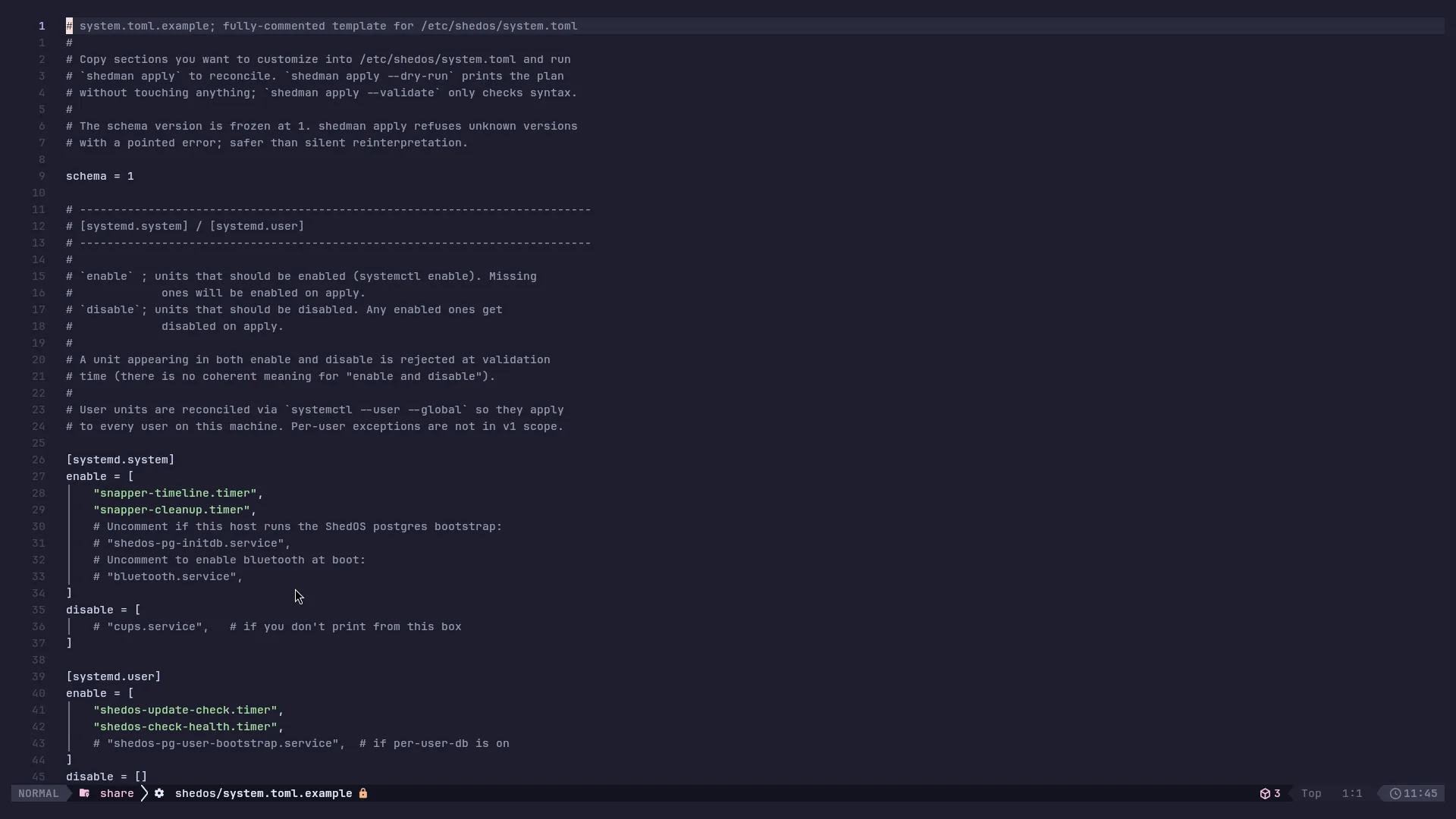
The system in one file
/etc/shedos/system.toml describes services, the firewall, kernel options, users, and the theme. Run shedman apply and the machine matches what it says.
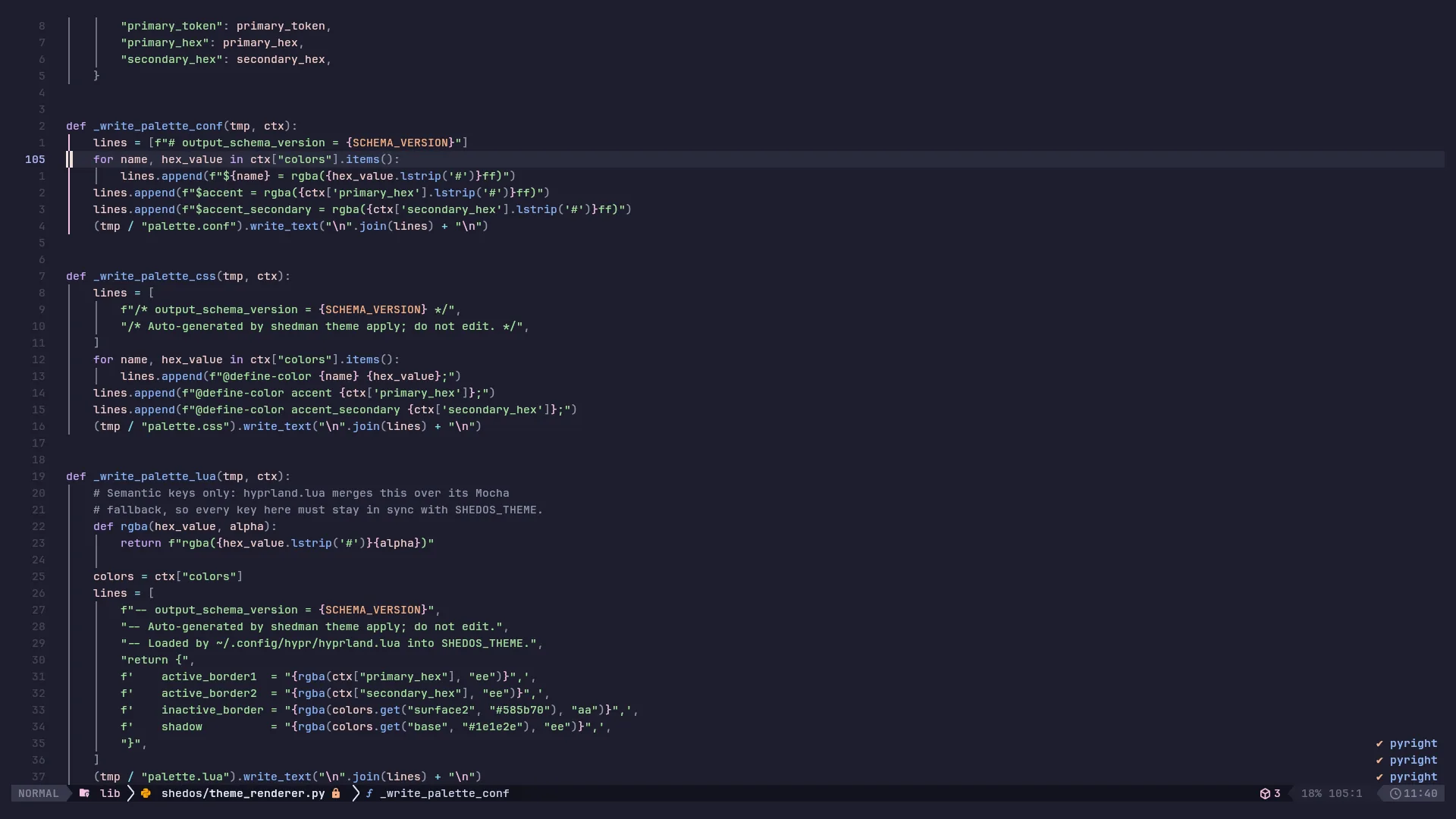
A configured environment
Editors, language runtimes, and containers are installed and configured before your first login. The first git clone of your day is the first command that isn't already done.
System
- Release model
- Rolling (x86_64)
- Compositor
- Hyprland (Wayland)
- Shell
- Bash + Starship
- Filesystem
- BTRFS with snapshots
- Encryption
- LUKS2, on by default
- Secure Boot
- Your own keys (opt-in)
- Passwordless unlock
- TPM2 (opt-in)
Developer tools
- Editors
- Neovim (LazyVim), VS Code
- Runtimes
- Python, Node, Go, Rust, C++
- Containers
- Docker, kubectl, minikube, helm
- Terminal
- kitty
- Browser
- Firefox
Download v2026.08.09, write it to a USB, boot.
A full live desktop runs from the stick — the real Hyprland setup and toolchain. The installer is one click whenever you're convinced.